How to Set Up Scheduled Messages on Airbnb (Step-by-Step Guide for Hosts 2026) In Portugal
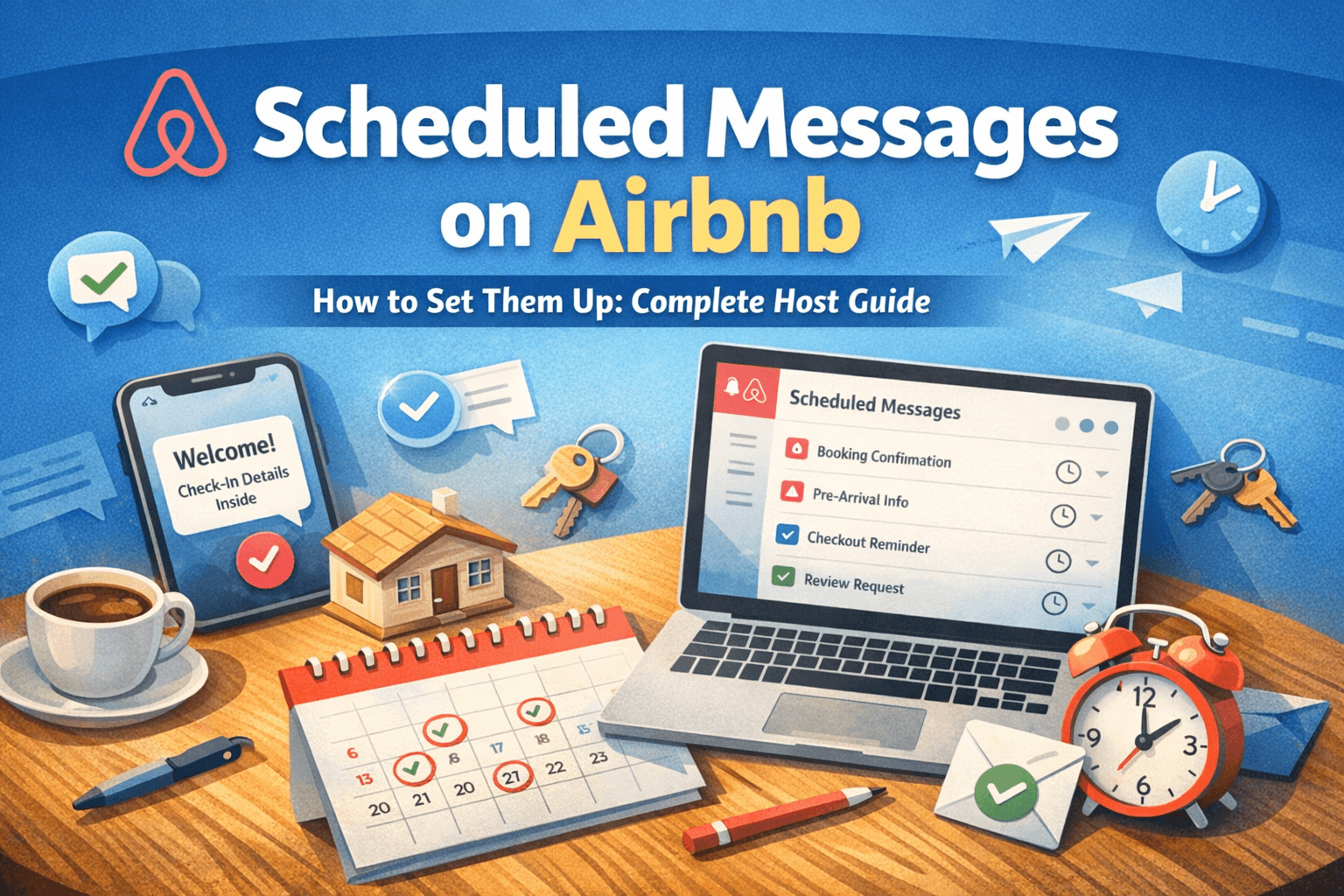
Airbnb Message Automation for Hosts in Portugal: The Complete 2026 Guide
Timely, personal communication is one of the simplest ways to improve your guest experience, protect your Airbnb ratings, and reclaim hours every week. Yet most hosts in Portugal are still replying manually — same questions, same answers, over and over.
This guide covers exactly how to set up automated messages on Airbnb, which messages to automate first, and how to keep them sounding human. Whether you have one property in Funchal or five across Lisbon, this applies to you.
Why Automated Messaging Is Non-Negotiable for Portuguese AL Hosts
Hosting an Alojamento Local in Portugal comes with more moving parts than the average Airbnb market. You have guest registration requirements, tourist tax collection, check-in instructions, and house rules — all of which need to reach your guest at the right moment, in the right order.
Beyond compliance, the numbers speak for themselves. Airbnb's algorithm rewards hosts with fast response rates and high guest satisfaction scores. Automated messages help you score on both without being glued to your phone. Guests who feel informed before they arrive ask fewer questions, leave better reviews, and cause fewer problems.
For hosts managing multiple properties — or anyone running an AL in a regulated municipality like Lisbon, Porto, or Funchal — automation isn't a luxury. It's how you scale without burning out.
Option 1: Airbnb's Built-In Scheduled Messages (Free)
Airbnb includes basic automation directly inside the platform, and for most hosts, it's the right place to start.
How to set it up:
Log in to Airbnb and go to your Inbox
Click Scheduled messages, then Create scheduled message
Choose your listing (or apply to all listings)
Select a trigger event and write your message
Save — Airbnb handles the rest automatically
Available triggers:
Airbnb lets you send messages tied to key points in the guest journey: immediately after booking, a few days before check-in, on the day of check-in, during the stay, the day before checkout, and after checkout.
The 6 Messages Every Portuguese Host Should Automate
1. Booking Confirmation
Sent immediately after booking
"Hi [First Name], thanks for booking — we're really looking forward to hosting you! I'll send full check-in details a couple of days before your arrival. In the meantime, feel free to message me if you have any questions."
Short, warm, and reassuring. It tells the guest they're in good hands before they've even packed.
2. Pre-Arrival Message (2–3 days before check-in)
Sent 2–3 days before arrival
"Hi [First Name], your stay is almost here! I'll send your full check-in instructions tomorrow. If you know your approximate arrival time, feel free to share it — it helps me make sure everything is ready for you."
This builds anticipation and opens the door for early communication if the guest has questions.
3. Check-In Day Message
Sent on the morning of check-in
"Welcome to Portugal! Here are your check-in details: [door code / key location], Wi-Fi network and password, and a link to the house guide. Have a wonderful stay — I'm just a message away if you need anything."
For Portuguese hosts, this is also where you can include your tourist tax instructions or any AL-specific information guests need to know on arrival.
4. Mid-Stay Check-In
Sent on day 2 or 3 of a longer stay
"Hope you're settling in well! Is everything to your liking? If anything isn't quite right or you need a recommendation for the area, just let me know."
Guests rarely complain during their stay — they just leave a bad review. This message catches problems before checkout and shows you genuinely care.
5. Checkout Reminder
Sent the evening before checkout
"Just a quick reminder that checkout is tomorrow at [time]. It's been a pleasure having you — safe travels home, and don't hesitate to return!"
Clear, friendly, and it prevents the awkward late checkout situation.
6. Review Prompt
Sent 1–2 hours after checkout
"Thank you so much for staying with us! If you enjoyed your visit, a review would mean a lot — we'll be writing one for you too. Hope to see you again soon!"
Timing matters here. Guests are most likely to leave a review in the first few hours after checkout, while the experience is still fresh.
Option 2: External Automation Tools (For More Control)
Airbnb's built-in scheduler covers the basics well, but it has real limitations — you can't send links dynamically, trigger messages based on guest actions, or integrate your check-in flow with compliance steps.
External tools like Lodgify, Hostaway, Hospitable, and Guesty take automation further. They allow you to personalise messages dynamically with property-specific details, send WhatsApp messages alongside Airbnb messages, attach digital check-in forms and house guides, set conditional logic (e.g., only send parking instructions if the guest has a car), and handle tourist tax collection and guest registration workflows in one place.
For AL hosts in Portugal specifically, this last point matters. Guest registration with AIMA must happen within 3 working days of check-in — the right automation tool can prompt you or your guests automatically at the right moment, removing the risk of missing the deadline.
How to Keep Automated Messages Feeling Human
The failure mode of most automated messaging is that guests can tell. Here's how to avoid it:
Use the guest's first name in every message — Airbnb's {{Guest First Name}} shortcode handles this automatically. Keep messages short; a paragraph or two is enough. Write in the same tone you'd use if you were texting a friend who was visiting. Don't send more than one message per day, and never automate a response to a complaint or a specific question — those always need a personal reply.
The best automated messages feel like they were written just for that guest, at that moment. If a guest can tell it's automated, it's doing more harm than good.
Mistakes to Avoid
Sending too many messages is the most common problem — guests feel pestered, not supported. Equally, don't front-load everything into one long check-in message. Information given too early gets forgotten; information given too late causes panic. Space your messages to land exactly when the guest needs each piece.
Also, remember to update your templates when anything changes — new Wi-Fi password, new checkout time, new tourist tax amount. A single outdated automated message at the wrong moment can undo an otherwise excellent guest experience.
Final Thoughts
Scheduled messages are one of the highest-impact, lowest-effort improvements you can make as an Airbnb host in Portugal. The native Airbnb scheduler is free, takes under an hour to set up, and immediately takes repetitive work off your plate.
As your portfolio grows, or as your compliance needs become more complex — especially if you're operating under an Alojamento Local licence in a regulated municipality — consider upgrading to an external tool that handles check-in flows, AIMA guest registration, and tourist tax collection alongside your guest communications.
Your guests will feel looked after. And you'll get your evenings back.