How to Upload Your Insurance Document as an Alojamento Local Host
How Do I Upload My Insurance Document as an Alojamento Local Host in Portugal (RNAL Guide 2026)
If you're an Alojamento Local (AL) host in Portugal and you've received a warning that your insurance document is expired or missing from your RNAL registration, you're not alone — and the fix is simpler than you think.
This guide walks you through exactly where to go, what you need, and how to submit your insurance proof to keep your AL licence valid and compliant.
Why Your Insurance Document Matters for Your RNAL Registration
Since the introduction of Decree-Law No. 76/2024, all Alojamento Local hosts in Portugal are legally required to not only hold a valid civil liability insurance policy — they must also actively submit proof of it to the national registry system (RNAL).
Before this law, having the policy was enough. Now, the submission is what makes your AL registration visible as active on the national platform. Your local Câmara Municipal can see whether you've submitted, and they use it to distinguish active properties from inactive ones.
Put simply: if you don't upload your insurance document, your AL licence can be cancelled — even if your insurance is fully paid and valid.
What Insurance Do You Need?
Your policy must be a civil liability insurance (seguro de responsabilidade civil) that covers:
Damage to guests and third parties
A minimum coverage of €75,000 per claim
Your specific property (the insured address must match your RNAL registration)
The document you upload must clearly show the insurer's name, policy number, coverage start and end dates, and the minimum capital insured. If any of this is missing, the submission may be rejected.
Where to Submit Your Insurance Document
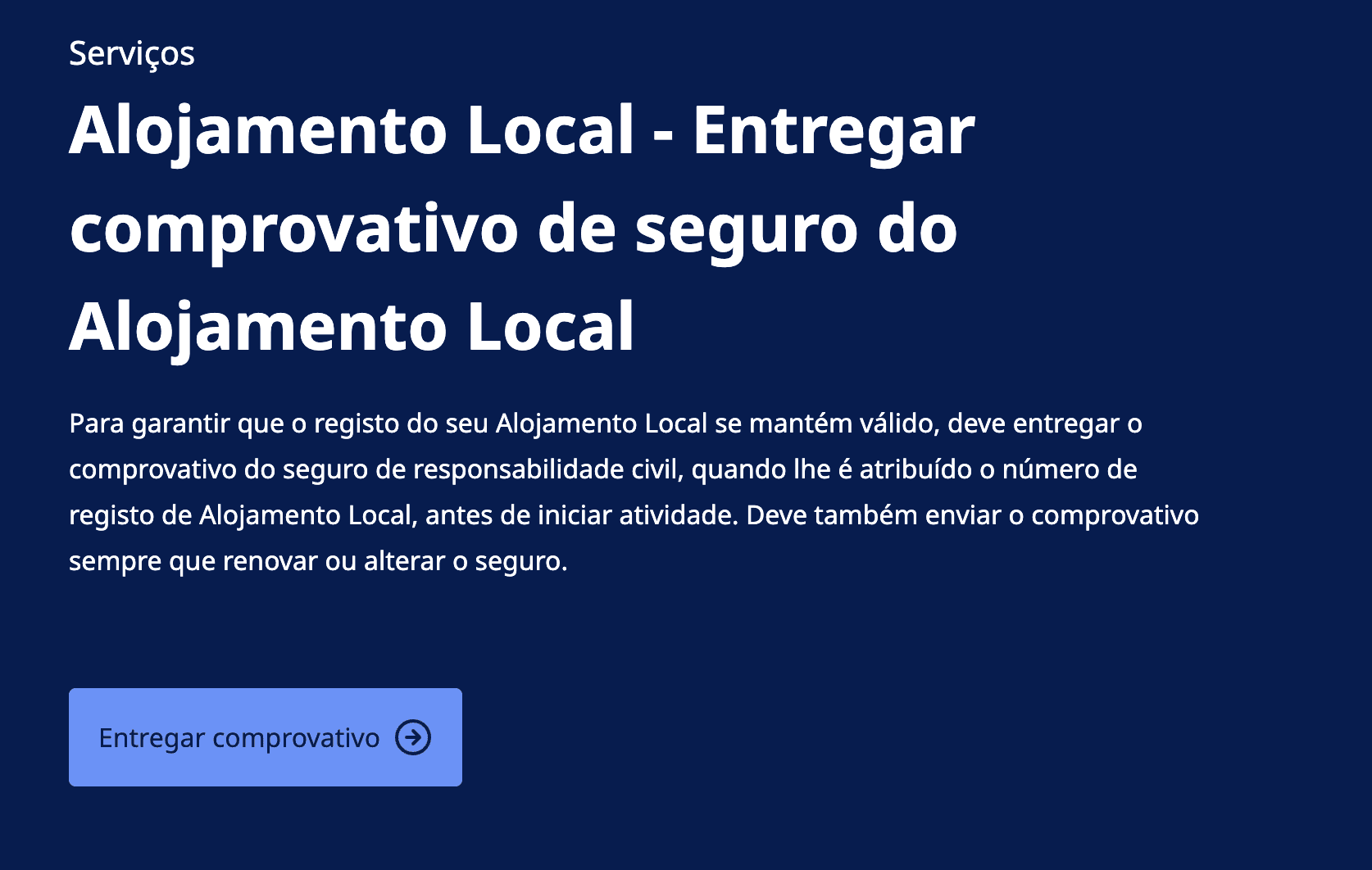
This is the part that trips most hosts up. You do not submit it through your Câmara Municipal's website or through any private platform. The official submission portal is:
👉 gov.pt — Enviar comprovativo de seguro do Alojamento Local
This is the only official channel accepted by the RNAL system.
Step-by-Step: How to Submit Your Insurance on Gov.pt
Step 1: Prepare your documents
Before logging in, gather the following:
Your RNAL registration number (e.g., AL/XXXXX/XXXX)
Your insurance policy certificate (PDF, JPG, or ZIP format — single file)
Policy details: insurer name, policy number, start date, end date
Step 2: Access the portal
Go to gov.pt and log in using your Chave Móvel Digital or Cartão de Cidadão.
Step 3: Fill in the form
Enter your RNAL registration number and complete the insurance details in the form fields provided. Double-check that the dates match your policy document exactly.
Step 4: Upload your policy document
Attach your insurance certificate as a single file. Make sure it's legible and includes all required information.
Step 5: Submit and save your confirmation
After submitting, you'll receive a confirmation email. Save this as proof of your submission — it's your receipt.
When Do You Need to Submit?
This is not a one-time task. You must submit your insurance proof:
When you first register your Alojamento Local
Every time you renew your policy (monthly, quarterly, or annual)
Whenever you change your insurer or update your policy terms
Think of it like renewing a road tax — having the insurance isn't enough, you need to show the updated proof each cycle.
What Happens If You Don't Submit?
If your RNAL listing shows an expired or missing insurance document, your Câmara Municipal may send you a notice of intent to cancel your registration. Once that notice is issued, you typically have only 3 working days to submit before the cancellation becomes permanent.
A cancelled AL registration means you can no longer legally rent your property short-term, and re-registering can be a lengthy and costly process.
Submitting on Behalf of Another AL Owner?
If you manage properties for other owners or are acting as a representative, you can still use the same gov.pt portal — but you'll need to indicate that you're submitting as a representative and have a valid procuração (power of attorney) on file.
Note: the system processes one property at a time, so if you manage multiple AL properties, you'll need to log in and submit separately for each one.
Quick Checklist Before You Submit
✅ Valid civil liability policy with €75,000 minimum coverage
✅ Policy document includes insurer name, policy number, and coverage dates
✅ Single file in PDF, JPG, or ZIP format
✅ RNAL registration number ready
✅ Logged in with Chave Móvel Digital or Cartão de Cidadão
✅ Confirmation email saved after submission
Final Thoughts
Keeping your Alojamento Local registration active in Portugal is increasingly tied to compliance, and insurance submission is now one of the most visible requirements. The good news is that once you know where to go — gov.pt — the process itself is quick and straightforward.
Don't wait for a warning letter. Submit your updated insurance document today and keep your AL listing in good standing.