How to Add Custom Taxes (Tourist Tax Portugal)
How to Add Custom Taxes (Tourist Tax) to Your Airbnb Listing Using Hosting Tools
If you host on Airbnb or Booking.com, collecting tourist tax (also called occupancy tax or city tax) is not optional in many countries — it’s a legal requirement.
The good news? Airbnb provides built-in hosting tools that let you add custom taxes directly to your listing, so the guest pays automatically at checkout.
This guide explains how to add tourist tax step-by-step, what Airbnb does for you, what it doesn’t, and how to stay compliant as a host in Portugal and beyond.
Why Tourist Tax Matters for Hosts
Most municipalities require short-term rental hosts to collect a per-night or per-person tax, usually earmarked for:
Local infrastructure
Tourism services
City maintenance
Failing to collect it can lead to:
Fines
Retroactive tax claims
Listing suspensions in some regions
If Airbnb doesn’t automatically collect it in your area, you must add it manually.
Does Airbnb Automatically Collect Tourist Tax?
It depends on location.
Airbnb has agreements with some cities and countries where it:
Automatically adds the tax
Collects it from the guest
Remits it directly to the authority
However, in many regions (including parts of Portugal 🇵🇹):
❌ Airbnb does not collect tourist tax
✅ The host is fully responsible
That’s where custom taxes come in.
How to Add Tourist Tax Using Airbnb Hosting Tools
ENSURE Professional Hosting Tools is enabled in accounting settings.
Step 1: Open Your Hosting Dashboard
Log in to Airbnb
Go to Menu → Listings
Select the listing you want to edit
Step 2: Navigate to Taxes & Fees
Open Pricing & availability
Scroll to Taxes
Click Add a tax
This is where Airbnb allows you to define custom charges.
Step 3: Choose “Custom Tax”
You’ll now configure the tourist tax:
You can set:
Tax type (percentage or fixed amount)
Per night / per guest / per stay
Maximum number of nights (common in Portugal)
Exemptions (children, long stays)
💡 Example (Portugal-style):
€2 per person per night
Max 7 nights
Children under 13 exempt
Step 4: Save and Test
Once saved:
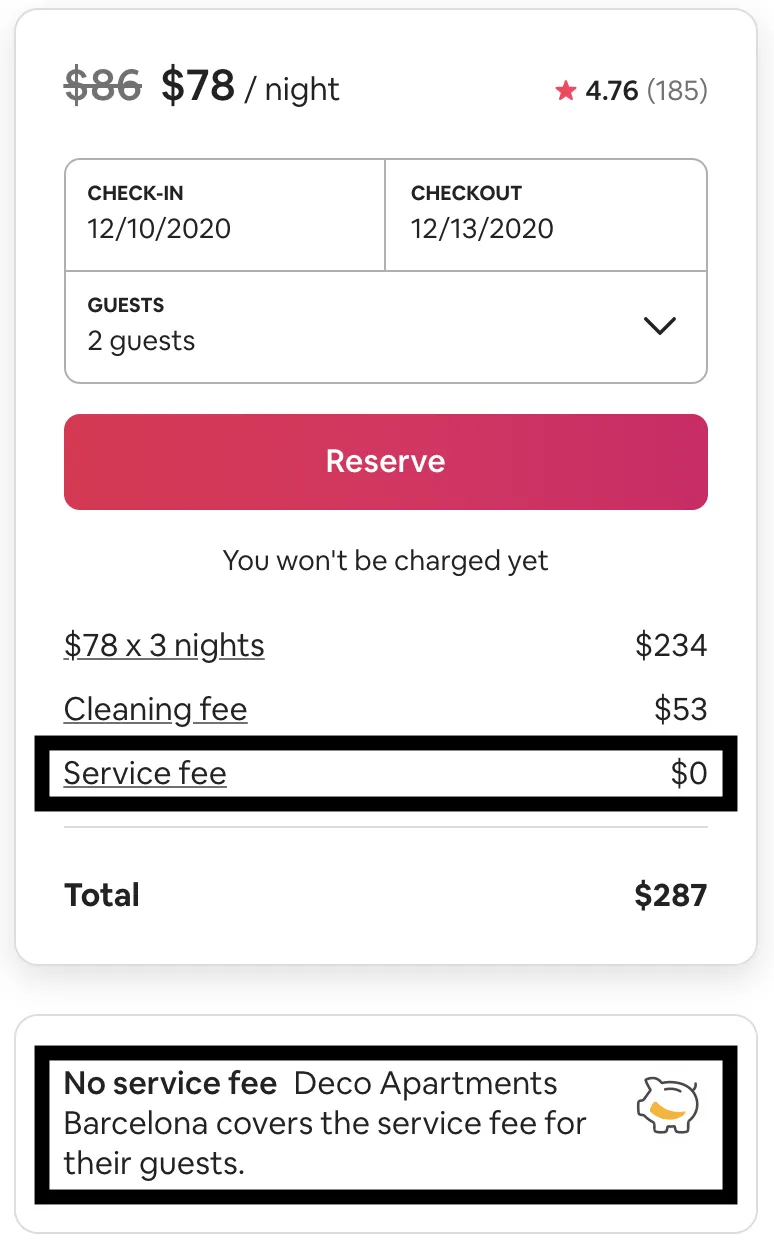
The tax appears automatically during guest checkout
It’s itemized separately from your nightly rate
Guests see it before they pay (important for transparency)
What Airbnb Does Not Do for You
Even after adding the tax, Airbnb does not:
Submit reports to municipalities
Pay the tourist tax on your behalf
Generate legal declarations (INE, Câmara, Turismo)
You still need to:
Track stays
Declare totals
Pay authorities on time
This is where many hosts get caught out.
Common Mistakes Hosts Make
❌ Adding the tax as part of the nightly price
→ This hides it and causes accounting problems
❌ Forgetting exemptions
→ Overcharging guests = complaints
❌ Assuming Airbnb reports it
→ Leads to non-compliance
❌ Manual tracking in spreadsheets
→ Error-prone and stressful
Pro Tip: Automate the Admin (Not Just the Tax)
Collecting the tax is only half the job.
Smart hosts also automate:
Guest check-in data
Monthly declarations
Tax summaries per unit
Compliance records
This saves hours every month — and avoids fines.
Final Thoughts
Adding tourist tax to your Airbnb listing is easy using hosting tools — but staying compliant goes beyond checkout.
If you host in a regulated market like Portugal, you need:
Transparent pricing for guests
Correct tax configuration
A reliable way to track and report what you collect
Get the setup right once, and hosting becomes far less stressful.
🚀 Next Step
Create a guest check-in & tax-ready workflow in EazyAL — collect guest data, track stays, and stay compliant without spreadsheets.
👉 Built for hosts. No learning curve. No headaches.